
Description
3D Intraoral Scanner Training
4 Hours of Excellent 3D Intraoral Scanner Training
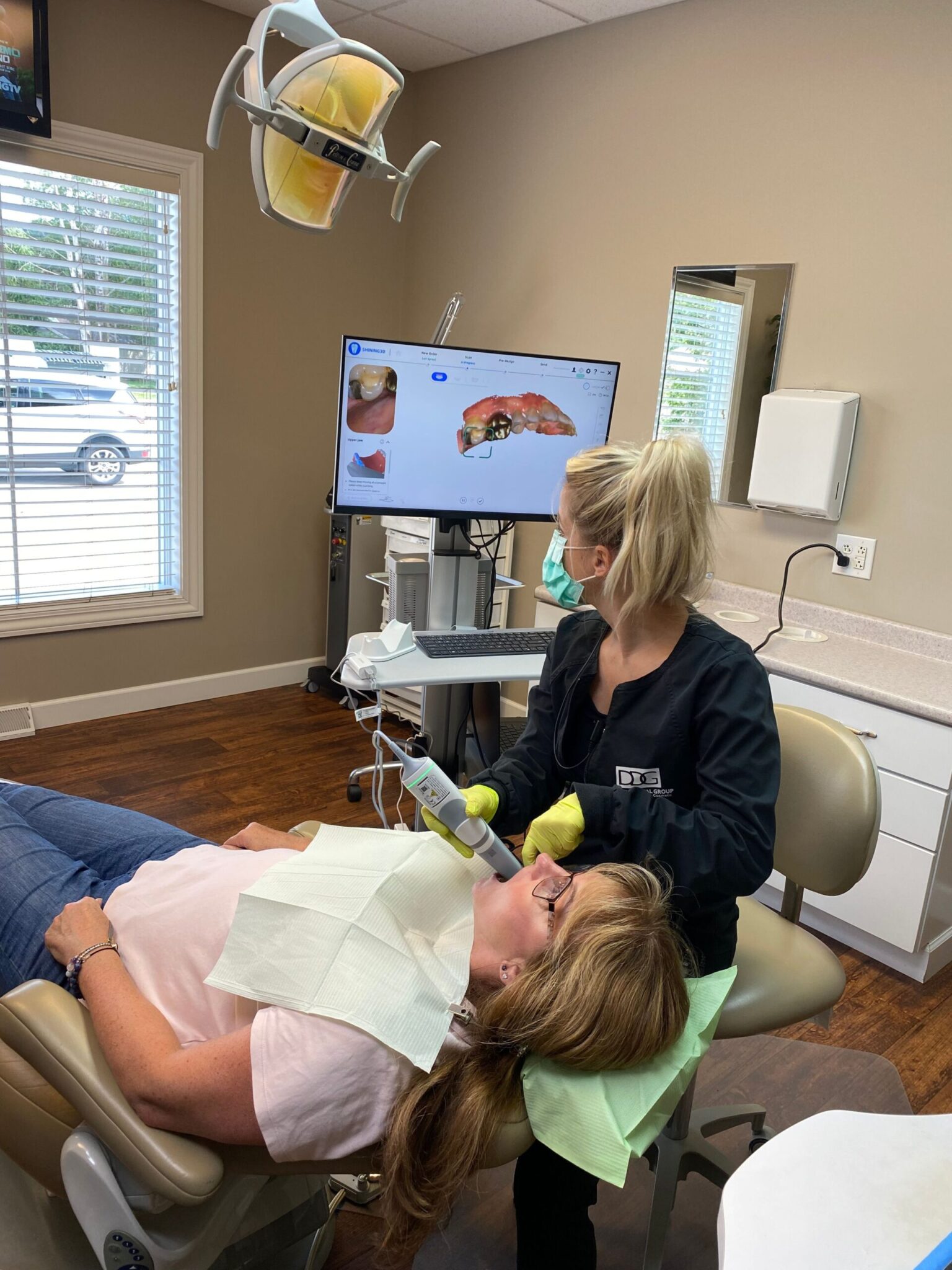
Intra Oral Scanner Training is something every practice can use especially if you are brand new to intra oral scanning.
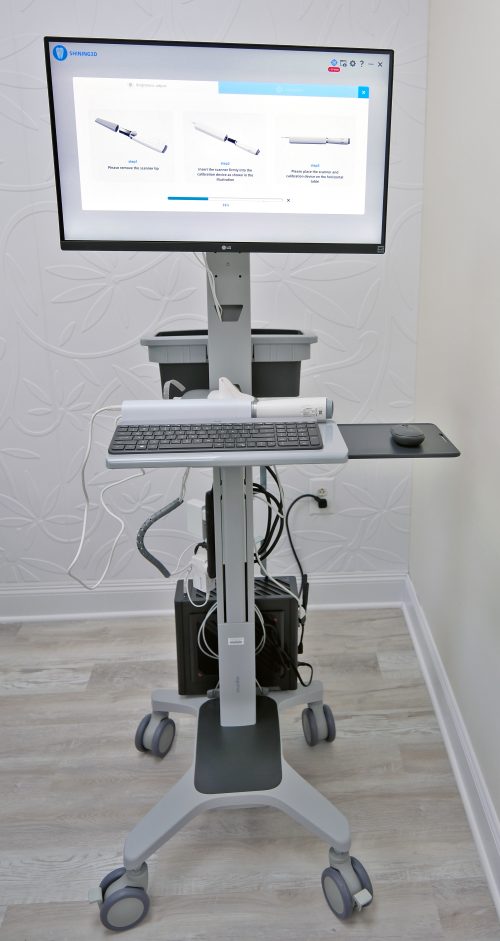
If you are using a Shining Scanner we start off with an explanation of how to use the Shining Scanning Software, if using another scanner we only briefly go over the scanner software.
Then we move on to a demonstration of best practices on using the scanner. After that we have two staff members at a time work with our trainer, one doing the scanning with guidance and one being the patient, then they switch and we continue until all your clinical staff have successfully done a scan. We leave the office with excellent training videos for reference and include a one hour remote live camera touchup training whenever you need it.
A successful onsite training will leave your staff confident to start scanning immediately so that you can move your office away from using impression material right away.
On Site Versus Remote Live
On site means the trainer comes to you always arriving early to get setup and do a few test scans before the training starts. On site is obviously more expensive due to the trainers need to travel to your location.
So what does Remote Live look like.
First, we start a google meet with your office. Our remote training studio here has a 4K Video Camera mounted so that the live video we send to your office is crystal clear. Our trainer will share both their screen showing the software as they are using it and showing a live camera feed of our trainer. We suggest that this video is setup on a separate laptop or the computer in the operatory your staff is in, not the scanner computer this way the scanner computer remains free for the staff to be using so it is a live interactive training. If your staff is having any problems using the software the trainer can remote into their scanner computer as well if needed.

Reviews
There are no reviews yet.