
Jump To Your Content
Troubleshooting and Installation Guides
Welcome to Sodium Dental’s How-To Guides
At Sodium Dental, we’re committed to supporting dental practices with easy-to-follow installation guides, troubleshooting tips, and training resources. Our goal is to empower your team with the basic tech knowledge needed to solve common issues on your own.
These guides are a starting point. If you need help, don’t hesitate to call us at 1-800-821-8962 or Get an hour of technical support to use for any need you have.
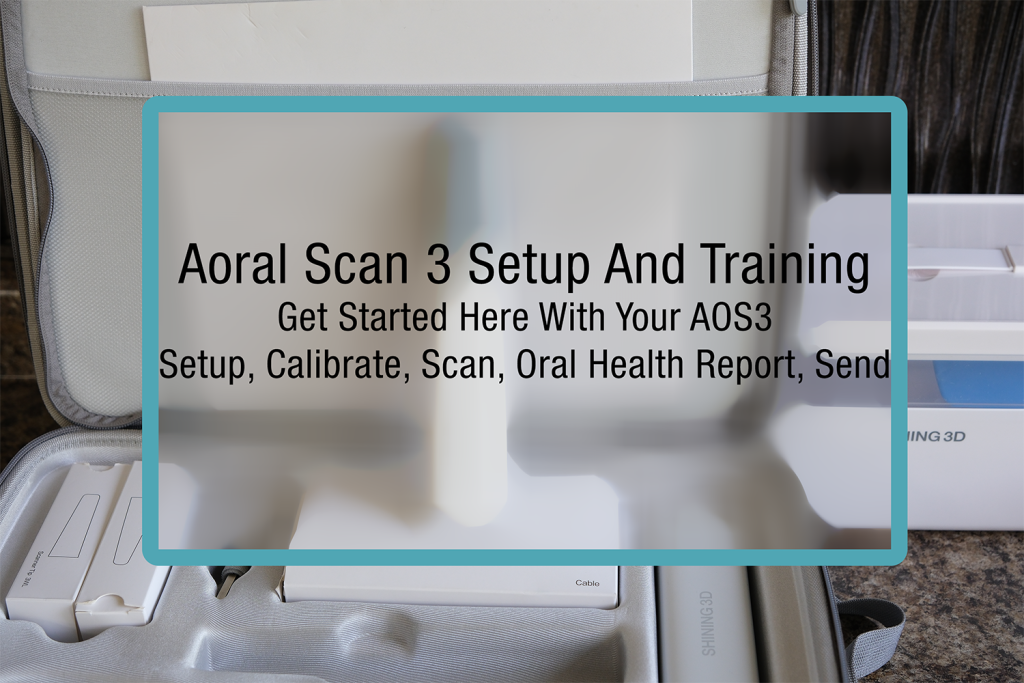
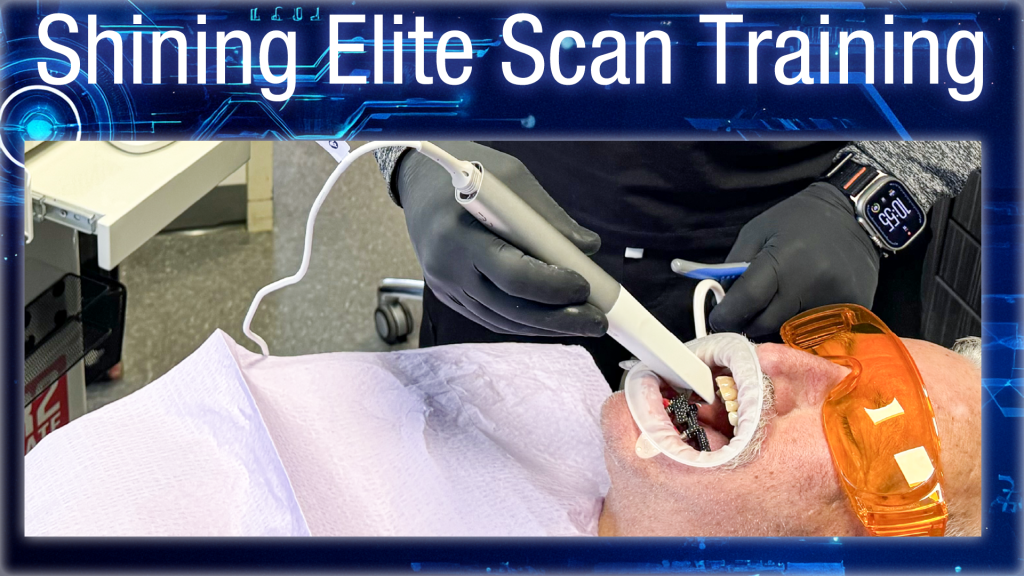
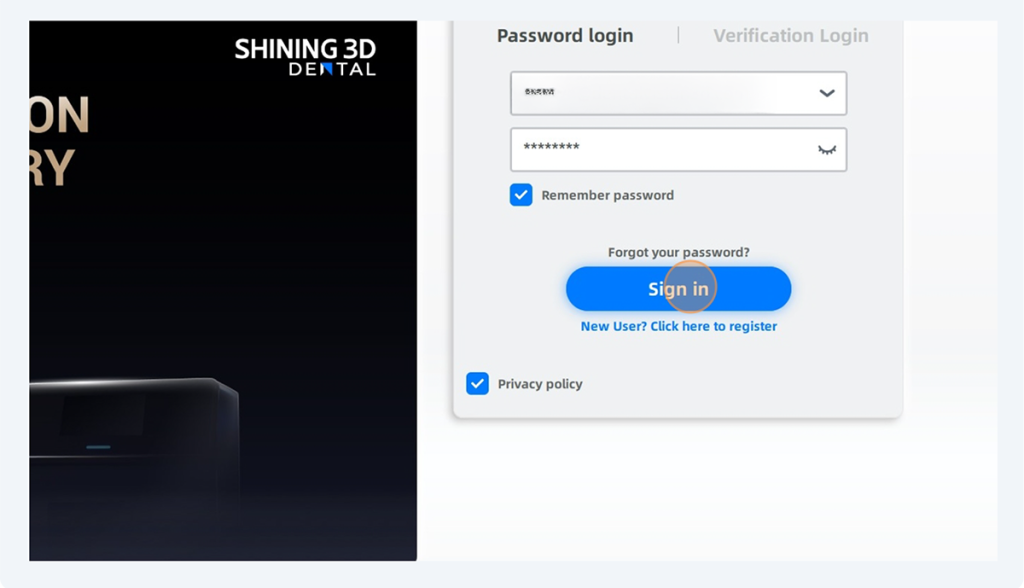
3D Scanning and 3D Printing Training
Practice Management Questions
Swapping Printers in Dentrix?
Got a new printer but Dentrix is stuck in the past? Whether it’s a prescription printer switch or your old one bit the dust, here’s how to get Dentrix back on track!
Sensor Questions
The sensor has been tested and found working perfectly but it isn’t working in the dental office. What can you do about it.
The USB port is a huge potential failure point and reason you might have sensor issues.
In the following video we go through the entire process of using the Uniray size 1.5 digital xray sensor in the Dexis Imaging software via TWAIN driver.
An important step in troubleshooting your digital x-ray sensor is to confirm that your xray sensor driver is the latest version.
If you would like assistance installing your x-ray sensors calibration file onto a new workstation in your office please take advantage of our Remote Support.
Is your sensor holder too long for your needs because of a scatter shield that hits the long parallel bar and keeps the tube too far from the cheek?
Some people have trouble putting the paralleling ring on their holder kit so we made a convenient video.
The distance between your tubehead cone and the cheek of your patient can have a huge impact on the x-ray image quality you get.
Use this guide to install your Dexis and Gendex calibration files onto your operatory computers
Imaging Software Questions
Apteryx Xrayvision How To Installation Videos. Apteryx is no longer a company after being purchased from Planet DDS and no longer sells the imaging software XrayVision
We support nearly every dental software out there—including Practiceworks and Apteryx.
If you use an Apteryx variation (like Prof.Suni or XrayVision), you’re probably familiar with NameGrabber. But if you’re on Practiceworks, here’s a tip: you can ditch NameGrabber completely.
Office Equipment Tips
Check out this guide to see some suggested printers that we think work well in a dental office.
Information Technology Tech Tips
Configuring a network scanner is a huge benefit to your practice for those daily needs to scan in documents. Here is a quick guide on how to do it.