Exporting Digital Impressions and Digital Model Files
Lets learn to identify the difference between a digital impression file and a digital model file.
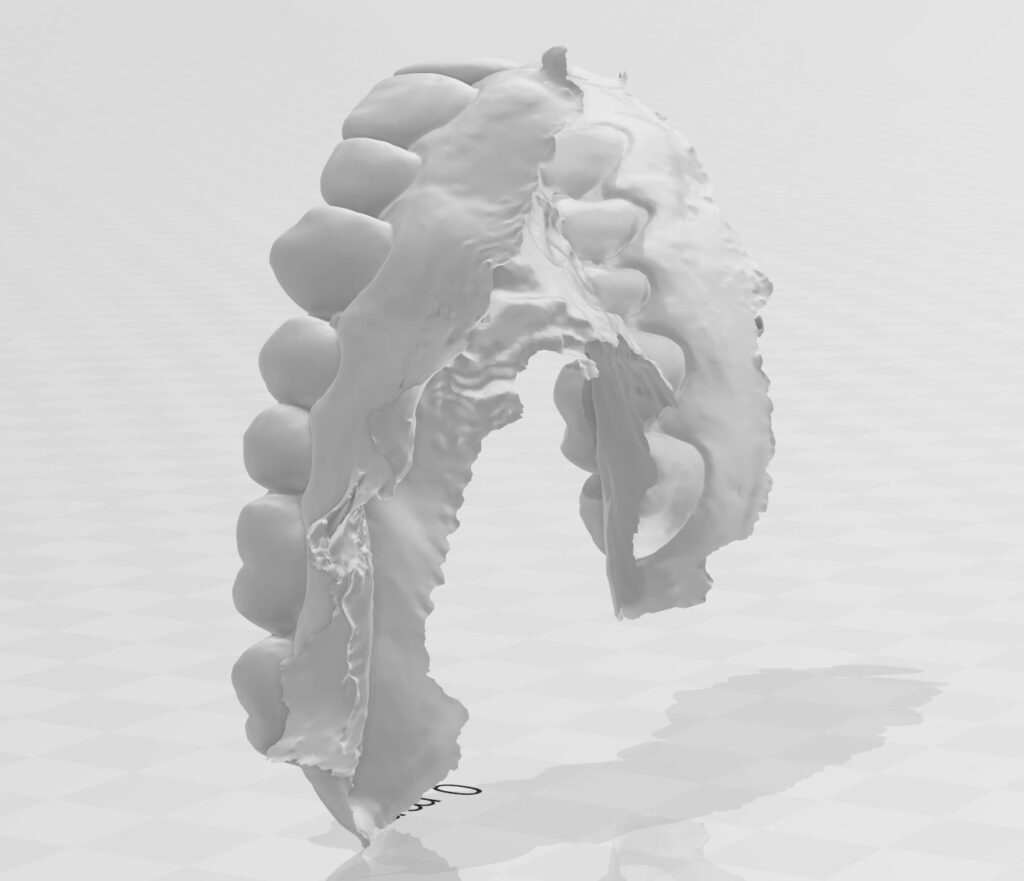
This is a digital impression file. The digital impression file is the high accuracy 3D file for submitting to your dental lab or sending to another CAD/CAM software for dental design applications. A digital impression file is just a skin that has no thickness and is not fit for 3D printing.These files are available in .obj and .stl
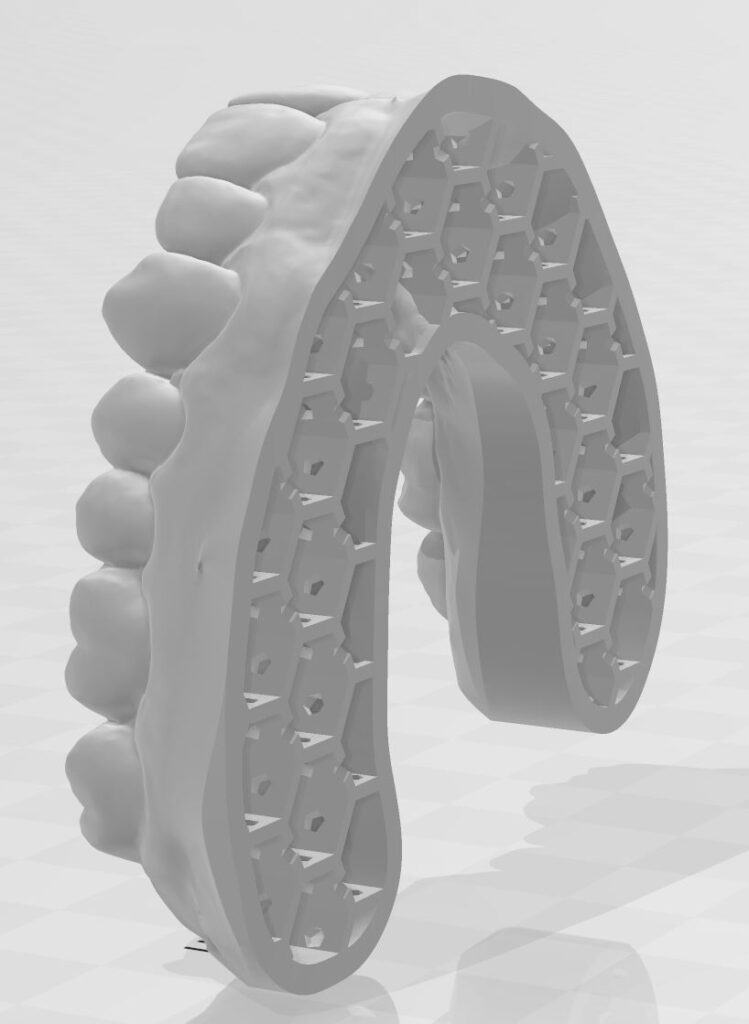
This is a 3D digital dental model file. The digital dental model file is what you use for 3D printing. The model file is what is a called a closed file. It has thickness and a complete 3D volume available for printing. These files are available in .obj and .stl
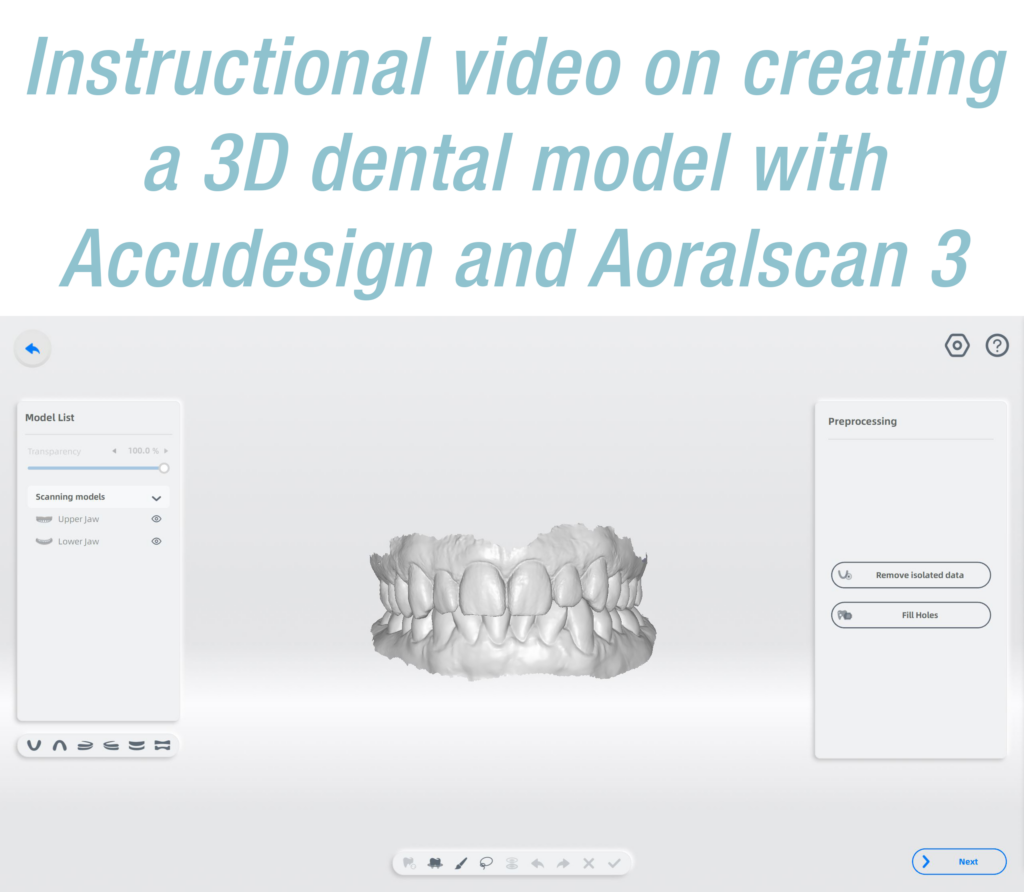
If you want to export a 3D dental model make sure you start off creating the dental model in Accudesign
First start by double clicking the the Dental Launcher Icon

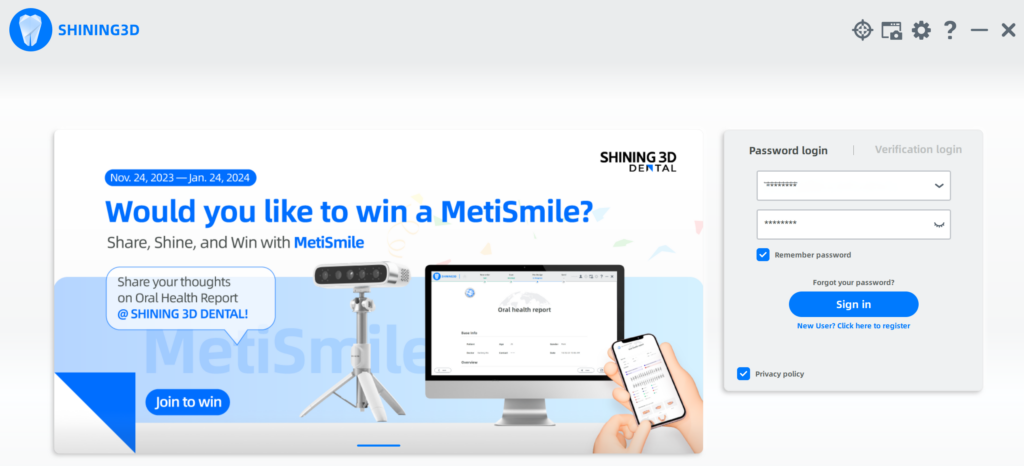
Sign in to dental launcher using your user and password
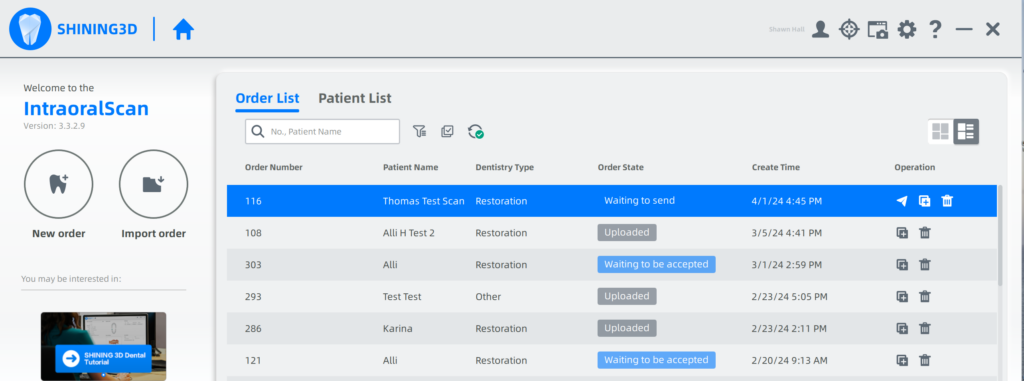
Double click the patient in the list that you want digital impressions exported from
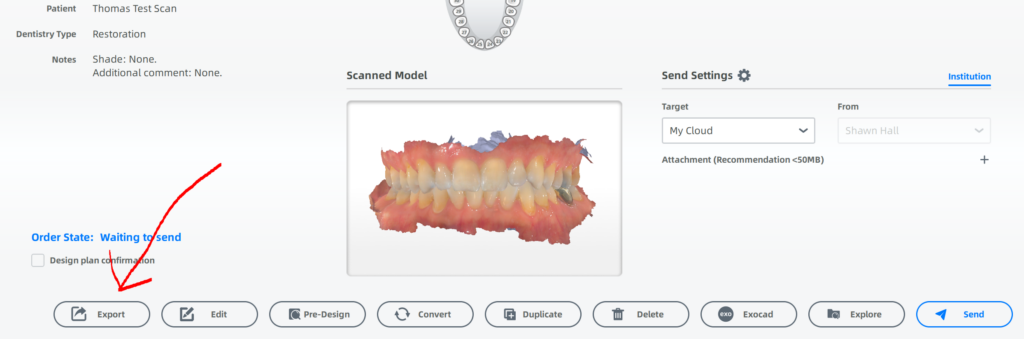
Click the Export button.
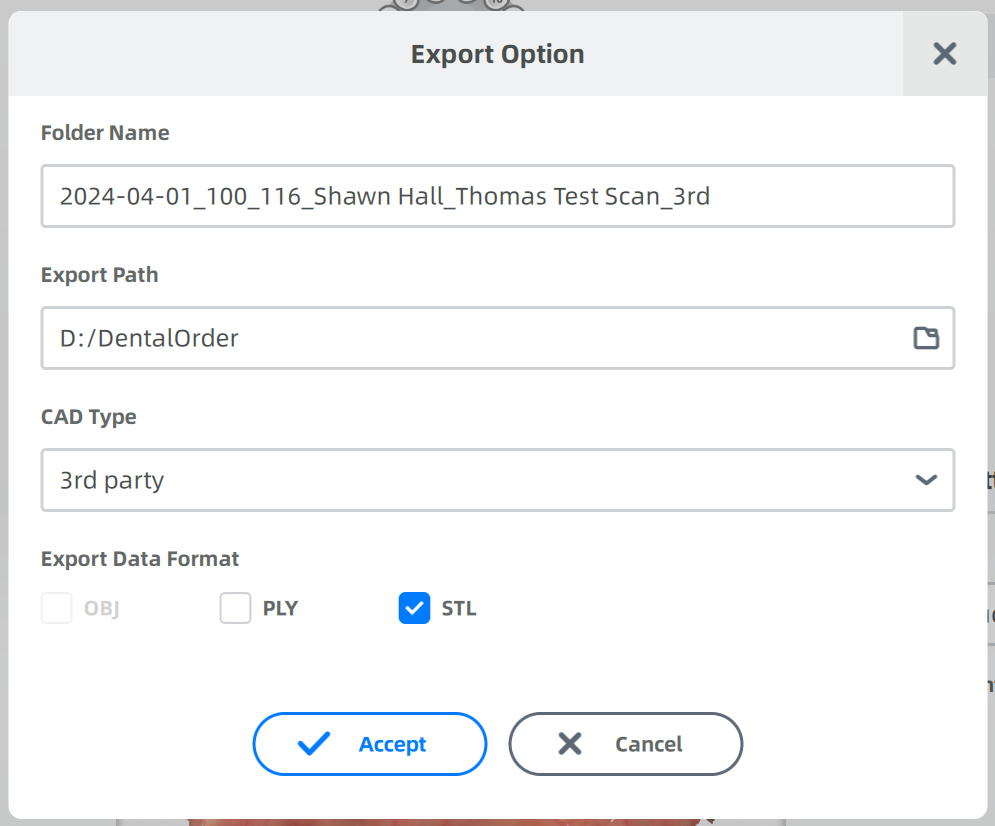
Choose a convenient export path for the files to go to. Click the folder icon and choose any folder. Cad Type usually 3rd Part, Export Data Format check STL. Then click accept.
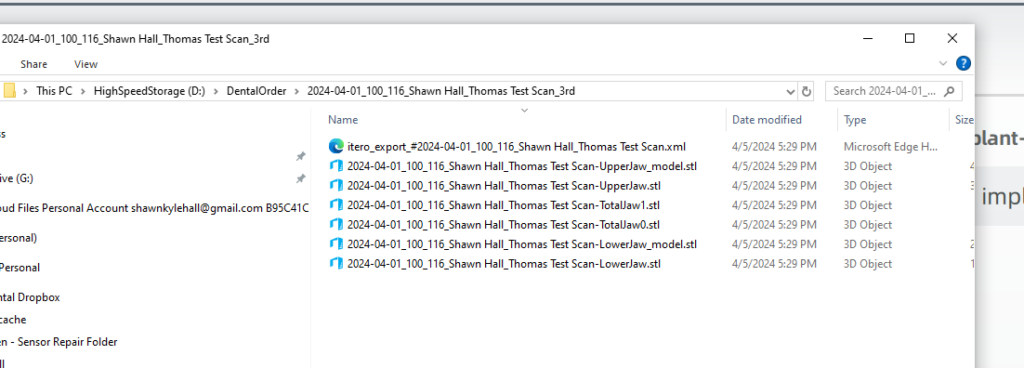
The folder with your files will pop up after you hit accept. The files you want to send your lab are the UpperJaw.STL and LowerJaw.STL files.
The 3D model files for printing are the LowerJaw_model.stl and UpperJaw_model.stl