Setup and Training Aoralscan 3
Watch This Video And Learn To
- Calibrate your Aoralscan
- Log in to the scanner software
- Acquire a digital impression
- Create an Oral Health Report
- Send digital impressions to the lab
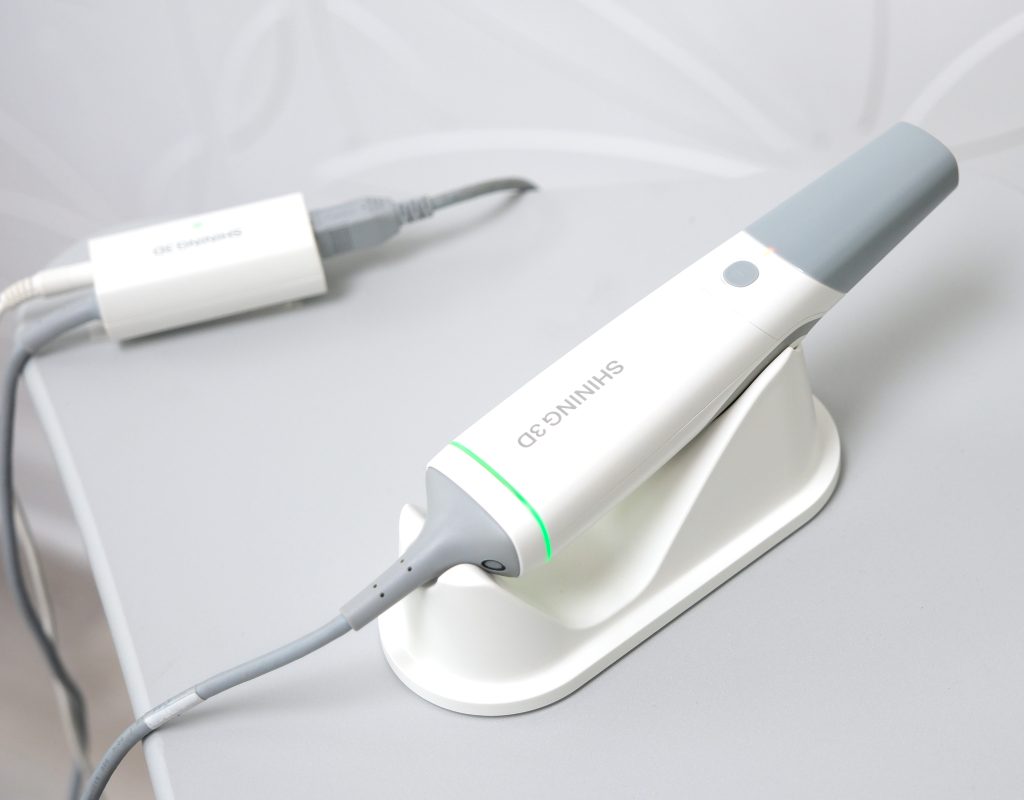
Identify Your Scanner Components Below
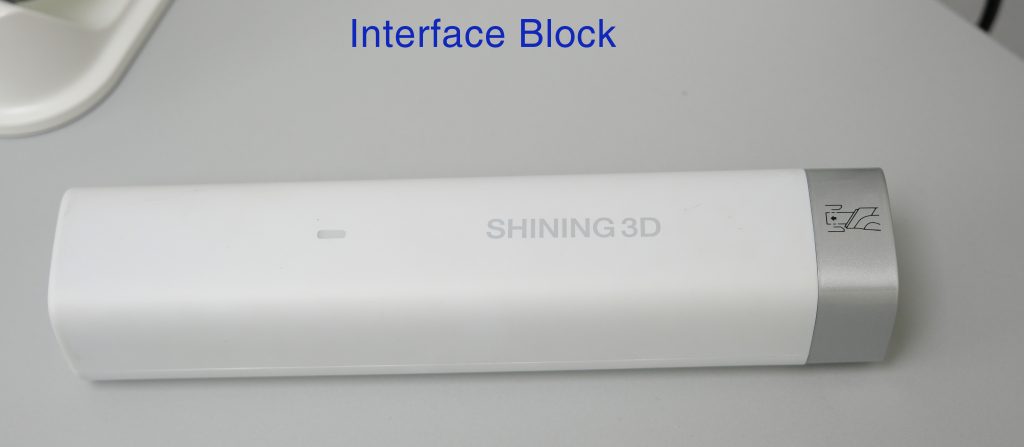
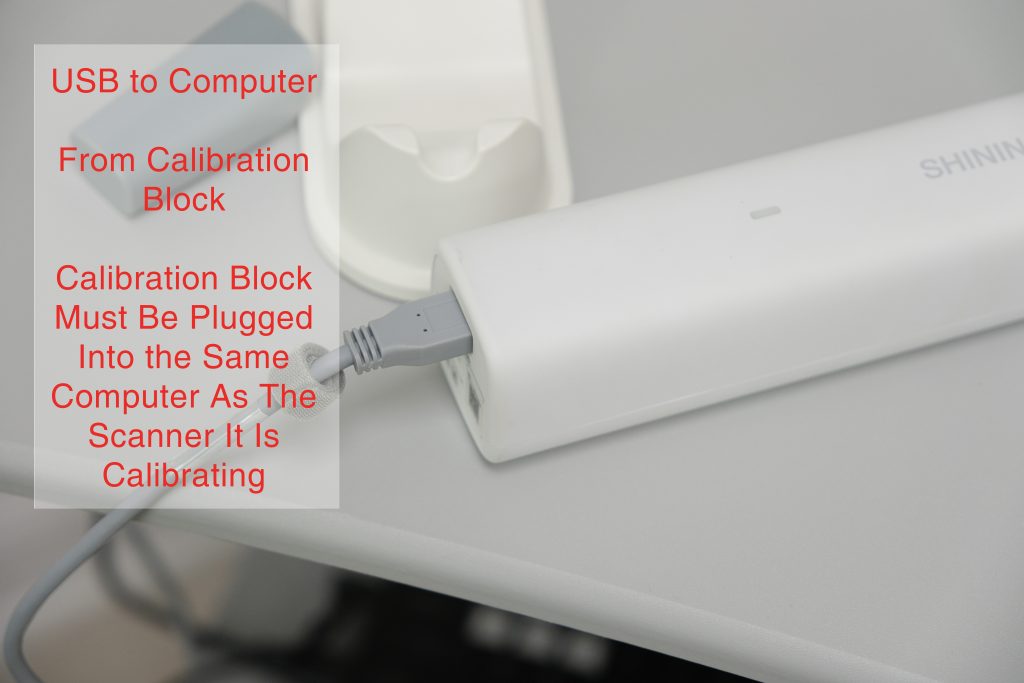
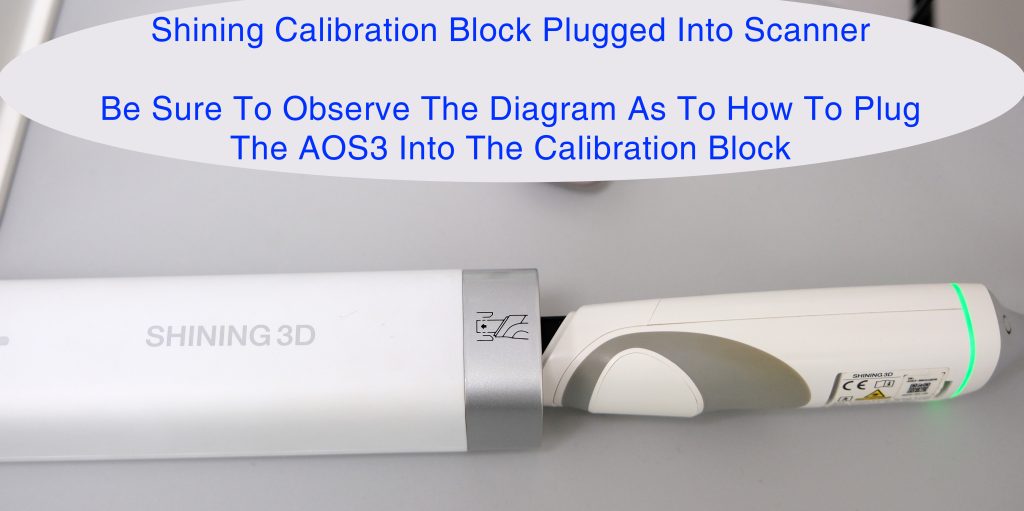
Always calibrate your your AOS3 before first use and once every 30 days to insure best scanning speeds and results. The training video above shows how to perform this calibration. Insure the calibration block is plugged into a USB cable that plugs into the same computer as your intra oral scanner. Then insure your scanner is plugged in to the calibration block following the diagram on the calibration block.
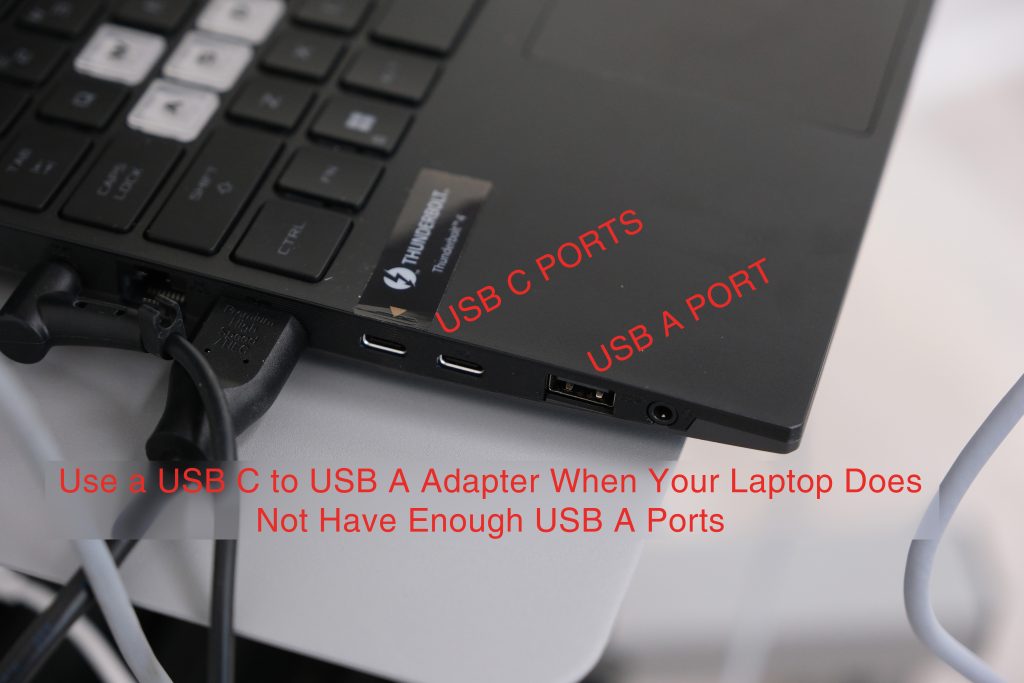
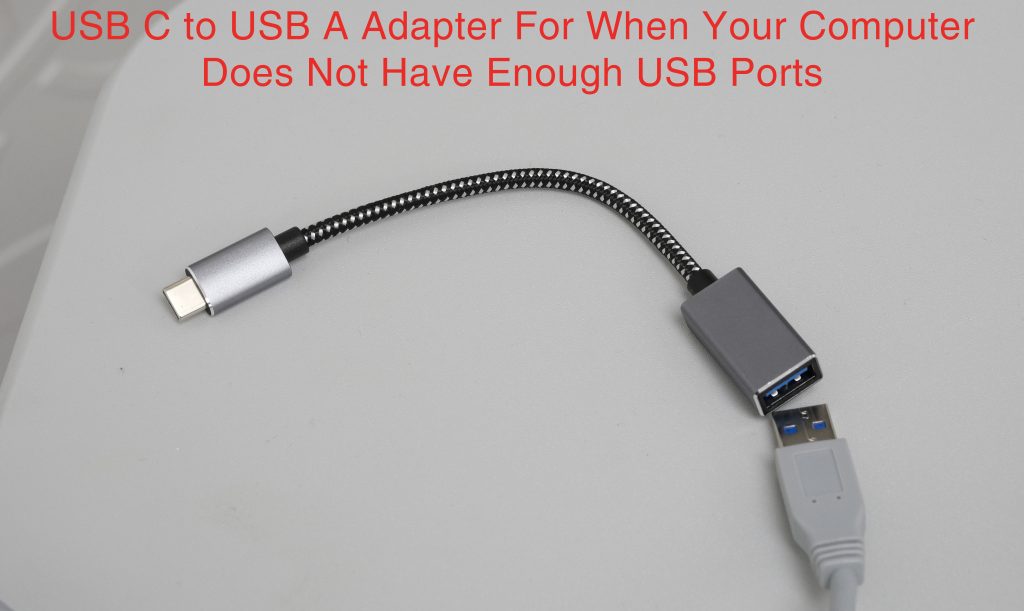
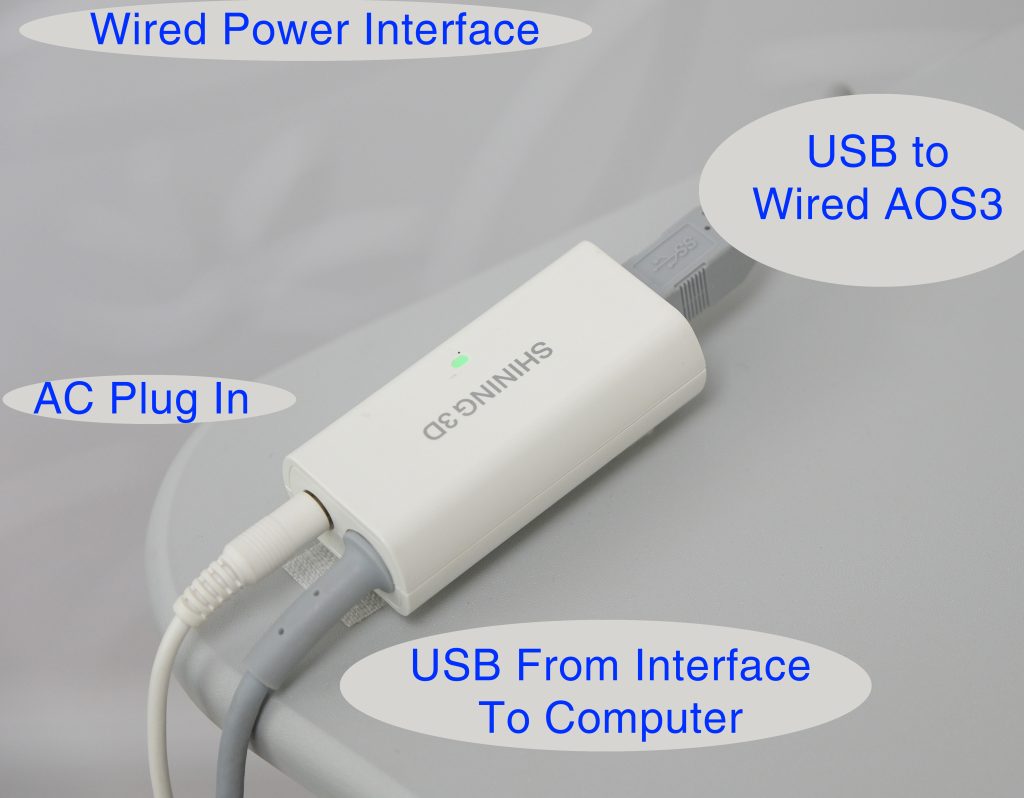
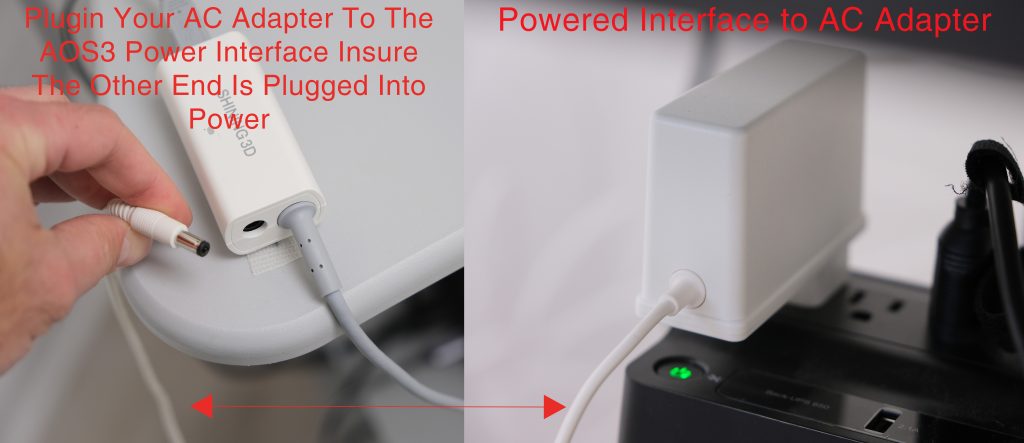
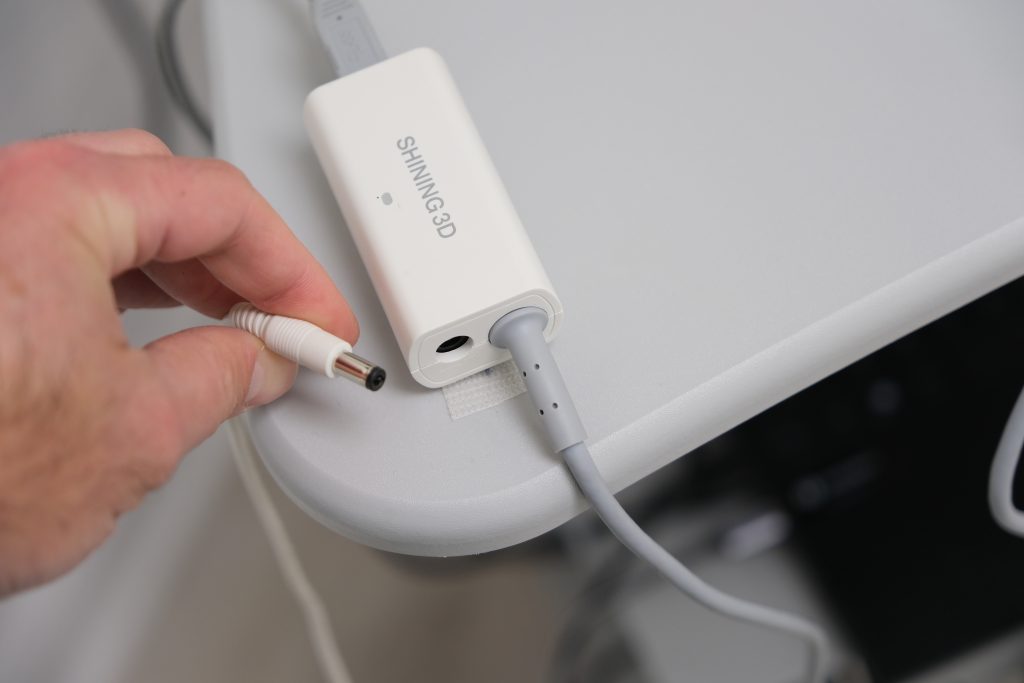
Your AOS3 Wired Scanner has a USB 3.0 B Male Plug that Plugs Into The AOS3 Wired Power Interface. The Wired Power Interface Has a USB 3.0 A Male Plug that Plugs Into Your Scanning Computer and A Port to Plugin Your AOS3 AC Power Adapter
Optional Accessories