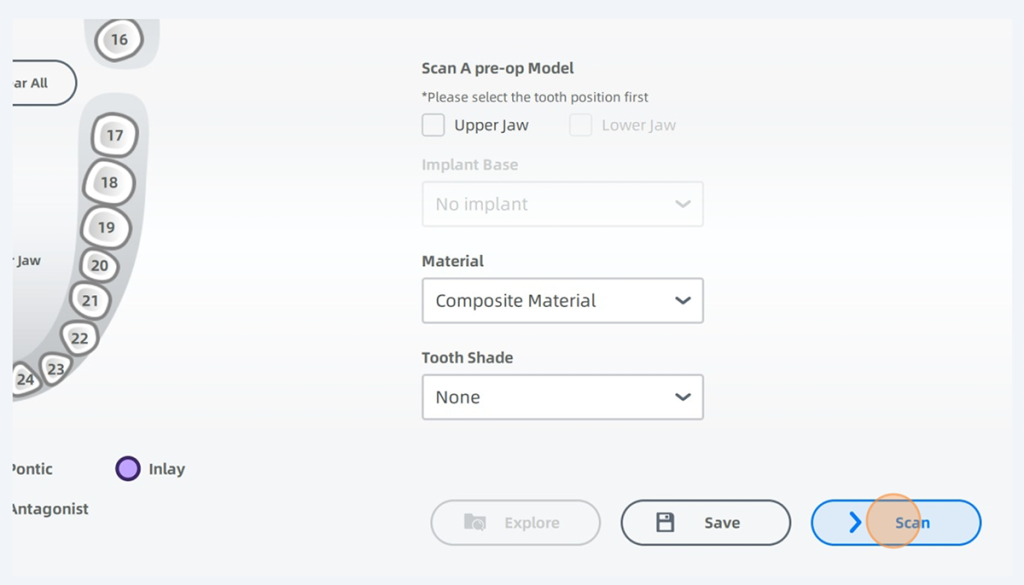
Here is a simple guide on how to enter patient information and start your first scan using a shining intra oral scanner.

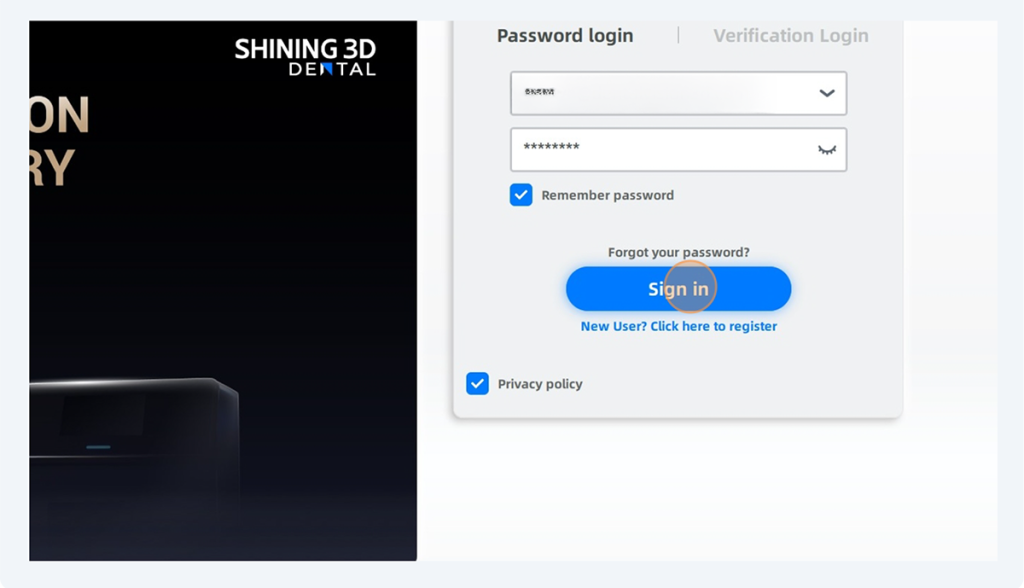
First sign in to your shining account.
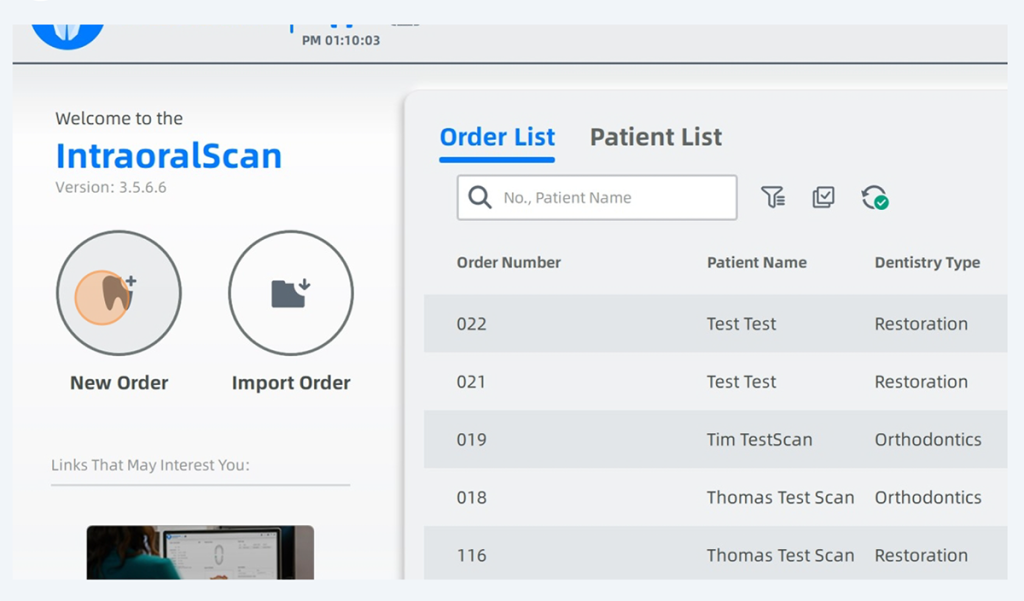
Next click. New order.
Type in your patient’s name.
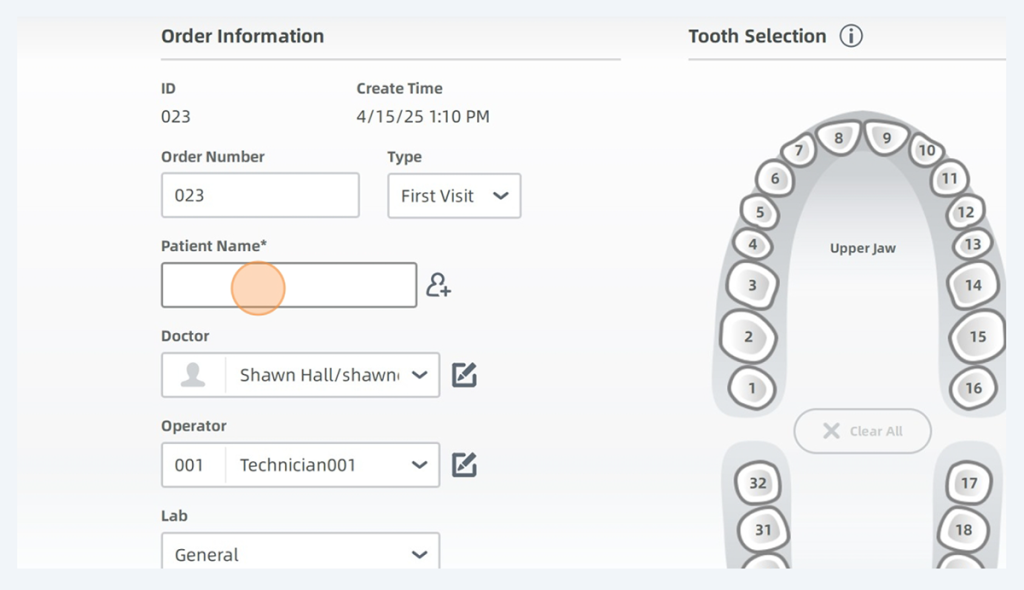
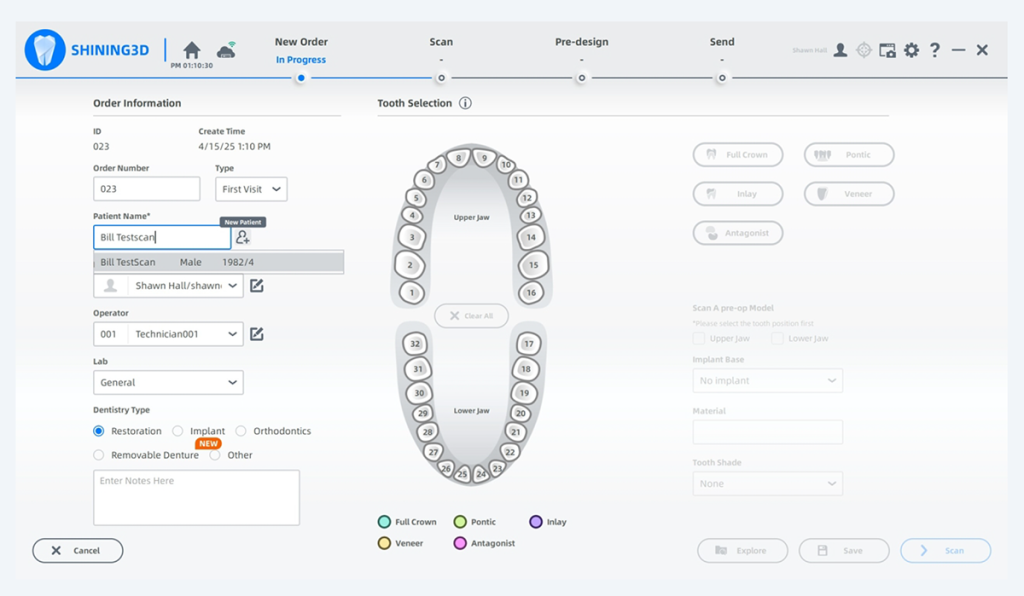
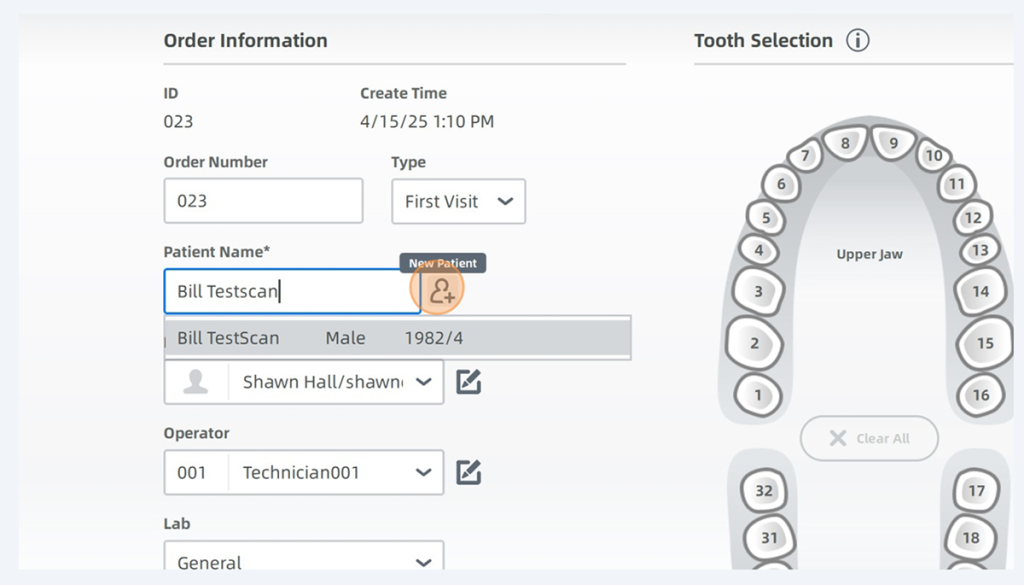
If the patient already exists, you can click their name. If the patient does not exist, hit the new patient plus sign.
Enter Patient Name, Gender and Age
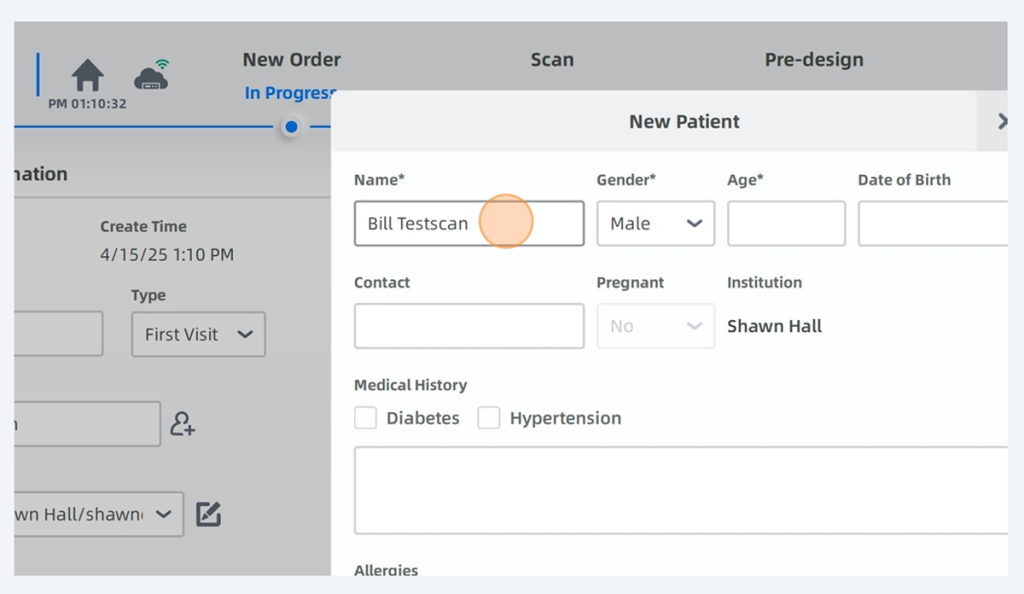
The only required fields are name, gender and age.
Click Confirm
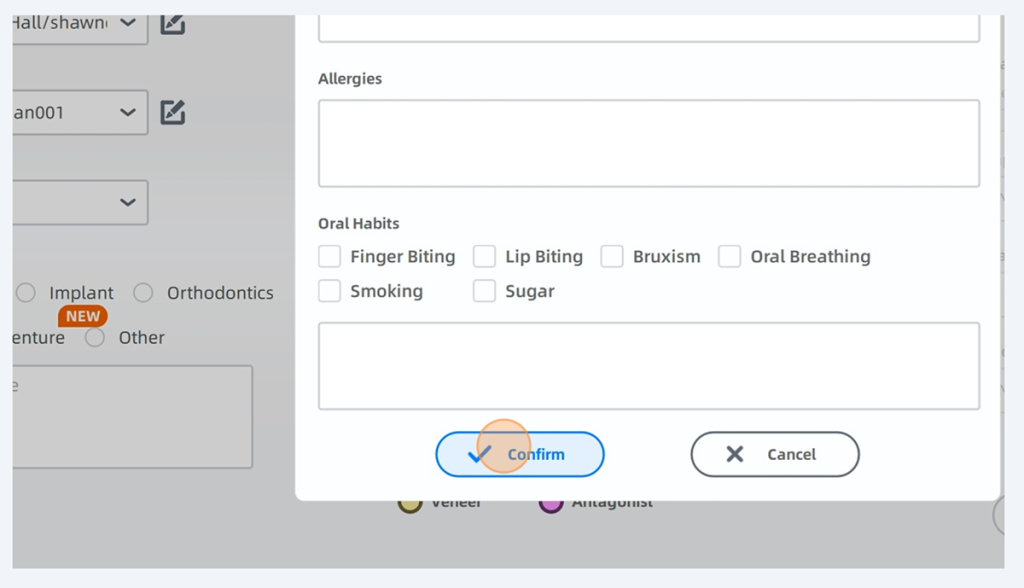
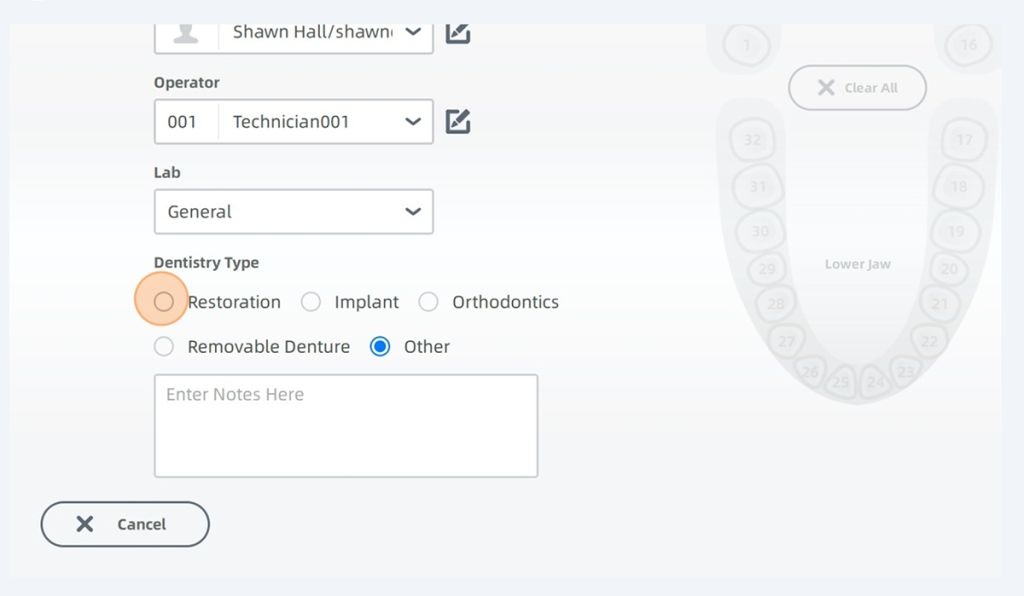
Now select whether you are doing a restoration, Implant, Orthodontics, Removable denture or other.
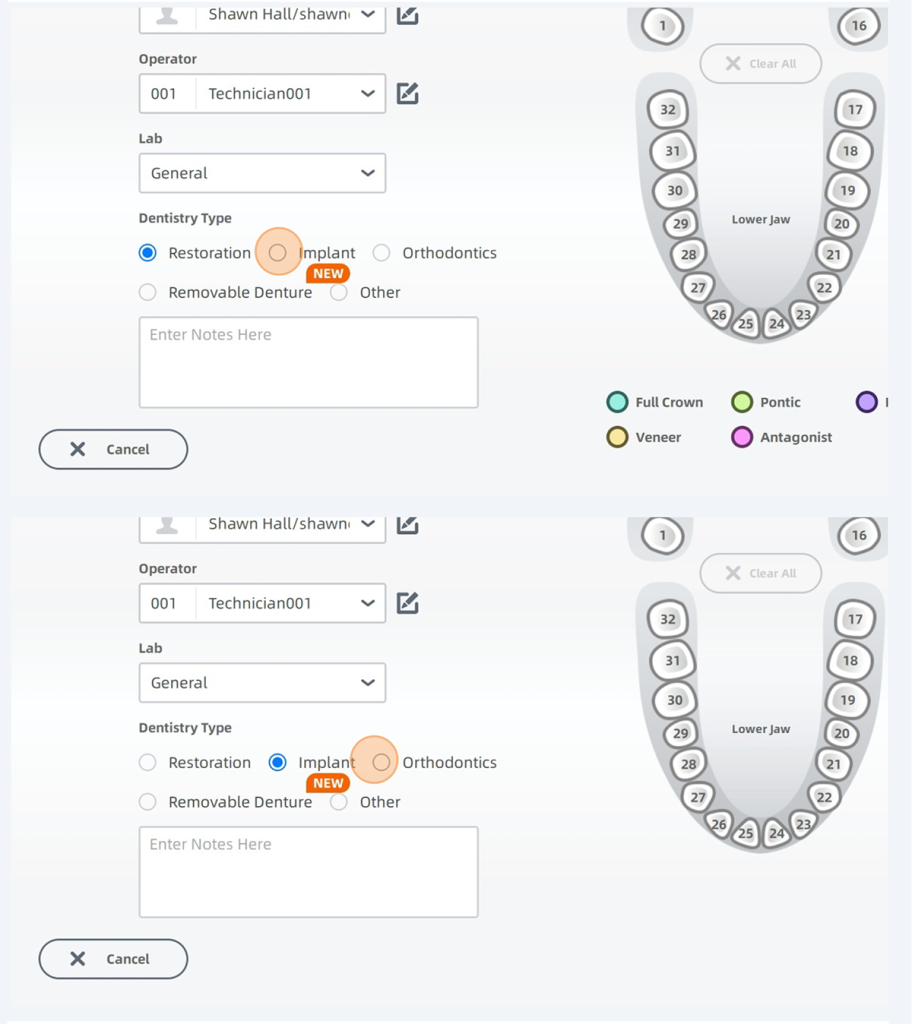
Very frequently. You will be using Restoration
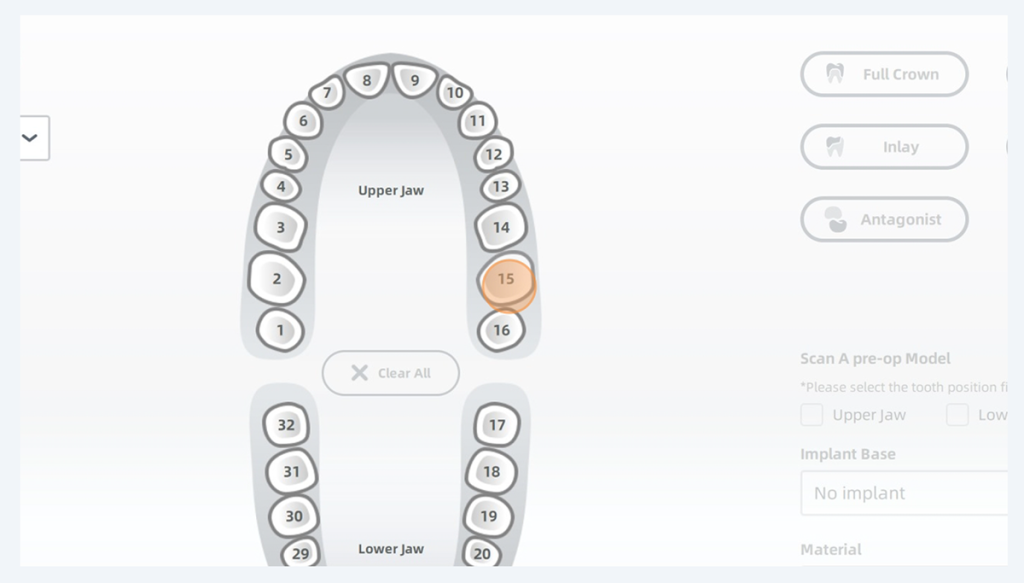
Select the tooth you are doing the restoration on.
And you can select whether it’s a full crown, pontic veneer inlay or antagonist.
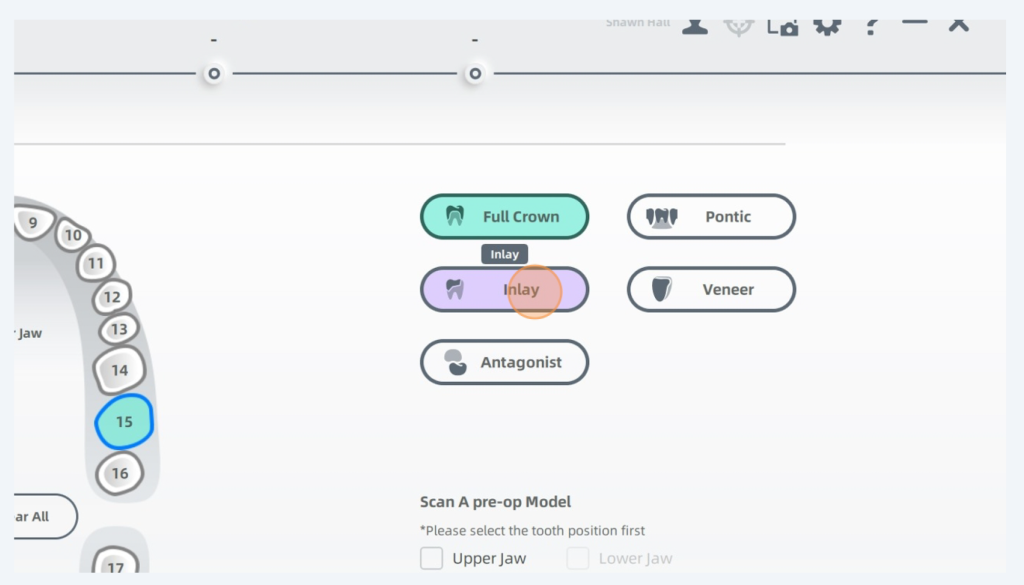
What you select here. Will not impact the quality of the scan. This information is stored for your information later and will be transferred to the lab. Now you can simply press scan.