
Good Sensor and A Bad Computer
We have seen this issue over the years where a customer has a sensor they would like repaired because they are having an issues at their office.
Unfortunately,
Sometimes, we test the sensor thoroughly and have found no issues. 72 X-rays later and we can not recreate the issue the customer is having. What can the customer do?
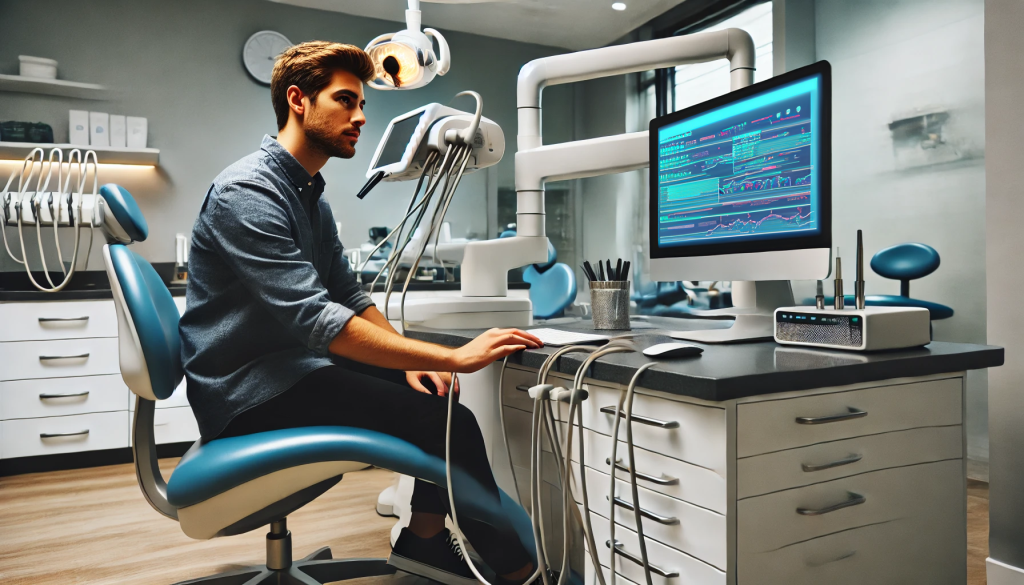
Other sensors work on my computers but this one doesn’t
- If your sensor has an interface, do you use that same interface with the sensors that are working? If not maybe your interface is the bad link?
- Does your sensor need calibration files? Use this guide to find them.
- How old is your computer? You may feel like you just bought it, but is it really 5+ years old? USB Ports fail on computers or become wonky for lack of a better word, maybe using one of these Powered USB Hubs will solve your problems.
- Drivers, corrupted calibration files, windows updates, imaging software integration issues, and a few more issues can be the cause and when it comes to this you might need a professional IT company, or use our IT Team by paying by the hour for our extremely efficient and knowledgeable team.
The sensor works on other computers but not on some of my computers
- The interface could be the cause of your issue here as well. Do you have different interfaces in different rooms? Maybe the interface is the problem.
- If your sensor needs calibration files, these files can be stored in one location and impact all computers or sometimes are different on a computer by computer bases. Consider copying the working calibration files from a computer the sensor is working right on to the computer they are not working correctly on. Use this guide to find them.
- How old is your computer? You may feel like you just bought it, but is it really 5+ years old? USB Ports fail on computers or become wonky for lack of a better word, maybe using one of these Powered USB Hubs will solve your problems.
- Imaging software software can be your cause the connection between sensor, USB ports, drivers, and imaging software are all significant and can impact your sensor performance. It’s possible the local imaging software needs to be uninstalled, computer rebooted, and software reinstalled.
- Drivers, corrupted calibration files, windows updates, imaging software integration issues, and a few more issues can be the cause and when it comes to this you might need a professional IT company, or use our IT Team by paying by the hour for our extremely efficient and knowledgeable team.
The theme here is that numerous things can impact your digital x-ray sensors performance on your local computer systems. Computer systems need software updates, driver updates, and more as time goes by.