
You go to take an x-ray, and instead of an image you get this:
“A hardware error has occurred. Please disconnect and reconnect the hardware. If the problem persists, please contact Dexis technical support.”
Error code: 70
You disconnect. You reconnect. Same message. You try another operatory, another cable, a reboot. Still there. Now you’ve got a patient in the chair and a sensor that won’t fire.
If you run Dexis or Gendex sensors, you’ve either seen this error or you will. It’s one of the most common failures that come through our repair bench, and there’s a lot of confusion about what it actually means. So let’s clear it up.
“Hardware Error” Is a Symptom, Not a Diagnosis
Error 70 doesn’t tell you what’s wrong. It only tells you that something is wrong somewhere between the software and the sensor. That trips up a lot of offices, because the message reads like a specific verdict when it isn’t.
That’s a big somewhere. The message sounds precise, but it’s really the sensor throwing up its hands and saying “I can’t complete this.” The actual cause underneath can be a few very different things, and they don’t all have the same fix, or the same cost.
Think of it like the check-engine light on your car. The light doesn’t tell you whether you need a two-dollar gas cap or a new transmission. It tells you to stop guessing and get it looked at. Error 70 is the check-engine light of dental sensors.
Sometimes It’s Fixable. Sometimes the Sensor Is Just Done.
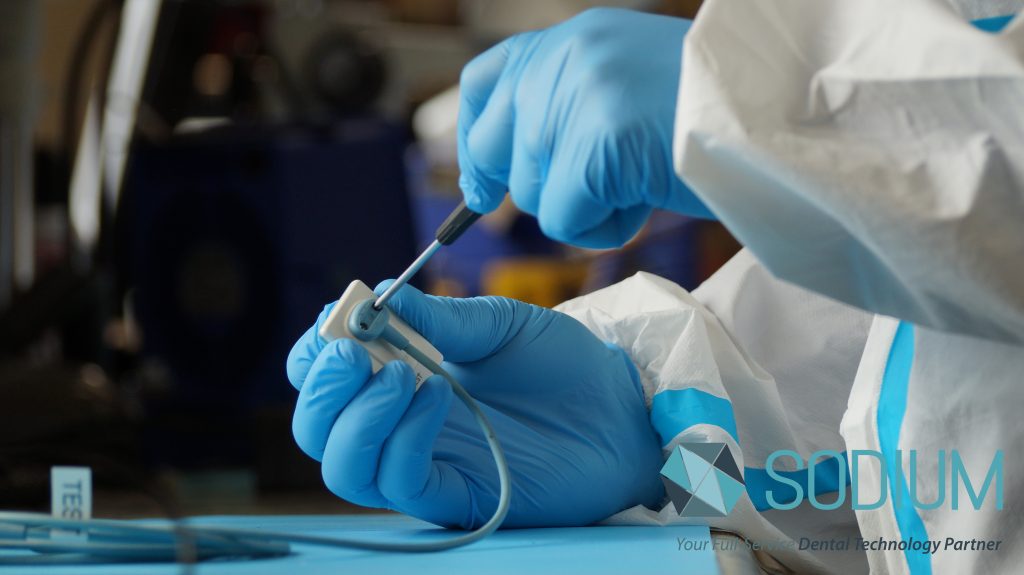
A Dexis or Gendex sensor throwing a hardware error lands in one of two camps once we’ve run it through our full diagnostic and testing process.
Sometimes the problem is something we can repair, and the sensor goes back to work.
And sometimes the sensor has simply reached the end of its life. The internal components have failed in a way that no repair can bring back. It’s not a matter of effort or skill. The part that makes the sensor a sensor is gone, and no reputable repair facility can restore what isn’t there.
Nothing about the sensor tells you which camp it’s in. Not how it looks, not the error message, not how old it is. A sensor that looks perfect on the outside can be finished on the inside. The only way to know is to test it properly. That’s the whole job.
Why You Can’t Diagnose This From the Error Alone
Doctors sometimes assume that because the error says “hardware,” there must be a hardware part to swap, and that any competent repair facility should be able to swap it. If only it worked that way.
The error doesn’t distinguish between a problem at the surface and a failure deep in the sensor’s internals. Two sensors can throw the identical Error 70 for completely different reasons, one recoverable and one not. Testing is what separates them, and it’s the only thing that separates them. Anyone who promises a guaranteed fix before they’ve tested your specific sensor is guessing, and guessing with your money.
What to Do When You Get Error 70
A few quick things are worth ruling out on your end first, because once in a while the fix really is simple.
Try the sensor in a different operatory, plugged directly into the computer, with no USB extension cable or unpowered hub in the chain. Bad cabling and underpowered USB connections cause their own set of problems, and we’ve written about why a cheap USB extension cable can quietly kill a sensor. Ruling that out takes five minutes and it’s worth doing.
If the error follows the sensor from machine to machine, plugged in directly, on a known-good setup, the problem is very likely the sensor itself, and it’s time to have it looked at by people who repair these for a living.
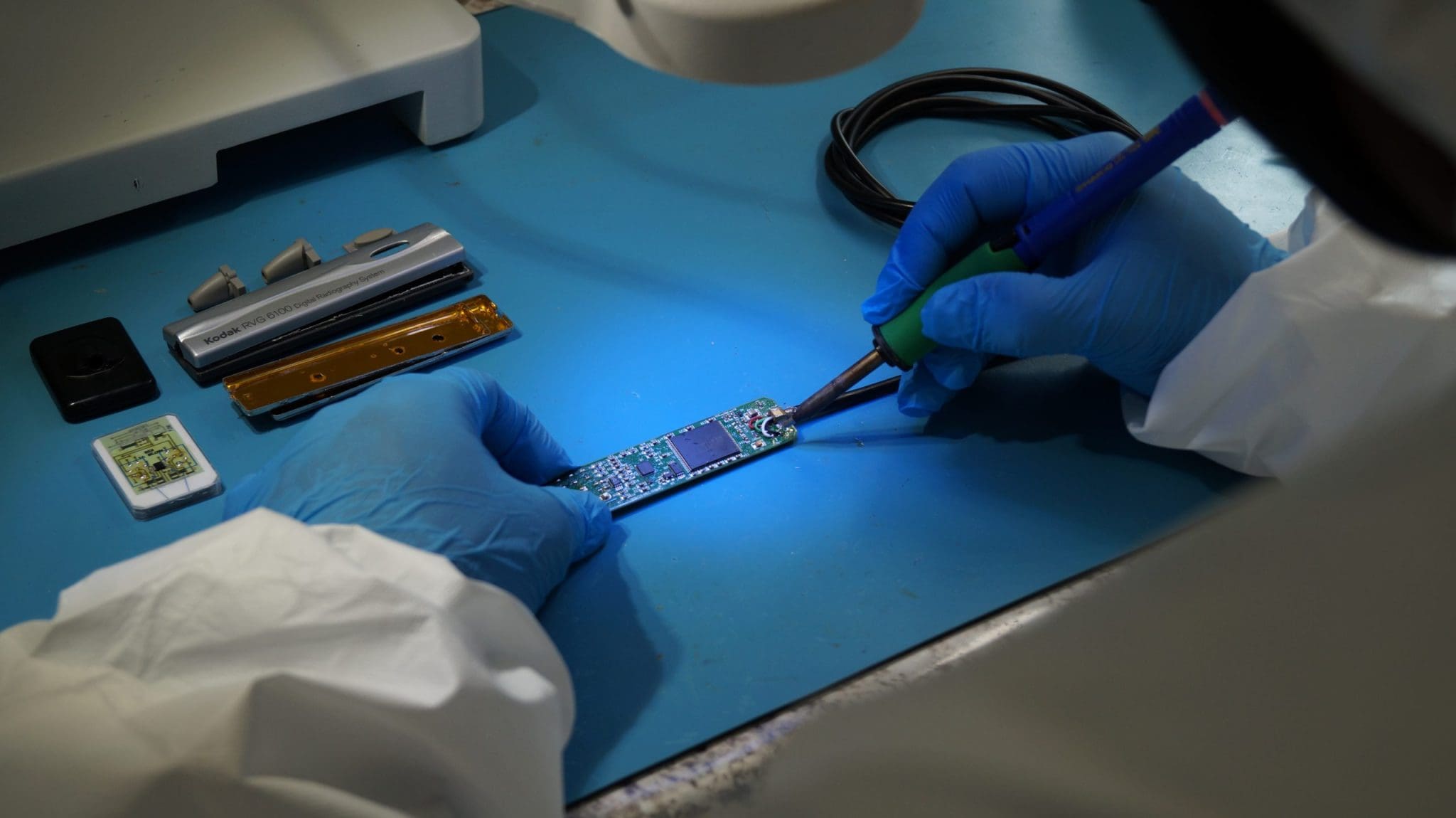
That’s where we come in. Send us the sensor and we’ll test it, tell you straight whether it’s repairable, and give you the honest answer either way. If it’s fixable, we fix it. If it isn’t, you’ll know exactly why, and you won’t pay for a repair that didn’t happen.
If Your Sensor Is Done, You Have Good Options
A dead sensor doesn’t mean an $8,000 emergency. If testing shows yours has reached the end of the road, a pre-owned sensor gets you back up and running for a fraction of new, and every eligible one we sell comes backed by our Protection Plan. Same image quality, far less money, and coverage a plain warranty doesn’t touch.
Need a Replacement Sensor?
Every pre-owned sensor below ships tested, serviced, and backed by our Protection Plan.
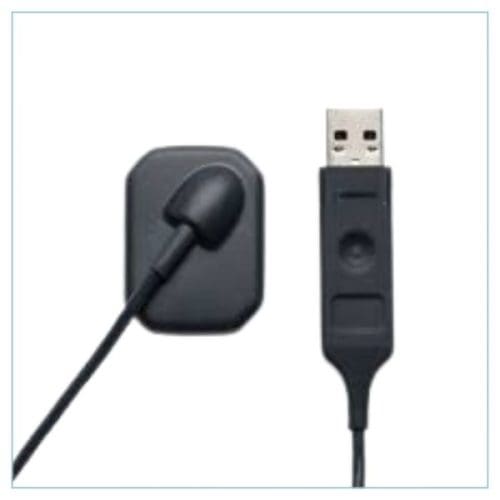
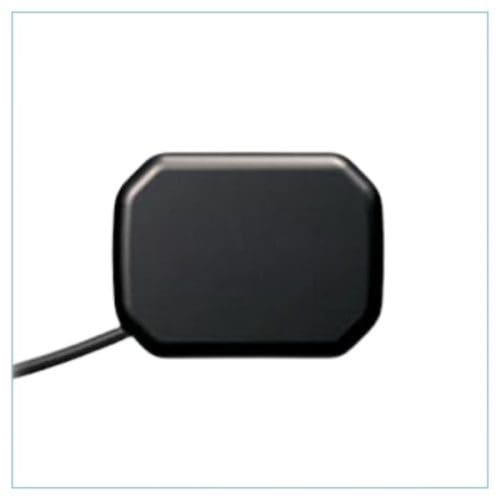
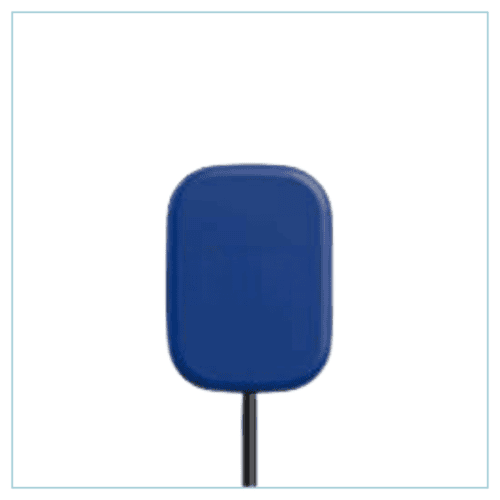
The hardware error feels like the end of the world when it’s staring at you mid-appointment. It usually isn’t. Sometimes it’s a five-minute cabling fix. Sometimes it’s a sensor that lived a full life and needs replacing. Either way, the move is the same: stop disconnecting and reconnecting, and get it tested by someone who does this every day.
Start Your Repair
Fill out the form below and we’ll get your sensor tested. If it’s repairable, we fix it. If it isn’t, you won’t pay for a repair that didn’t happen.

Leave A Comment
You must be logged in to post a comment.